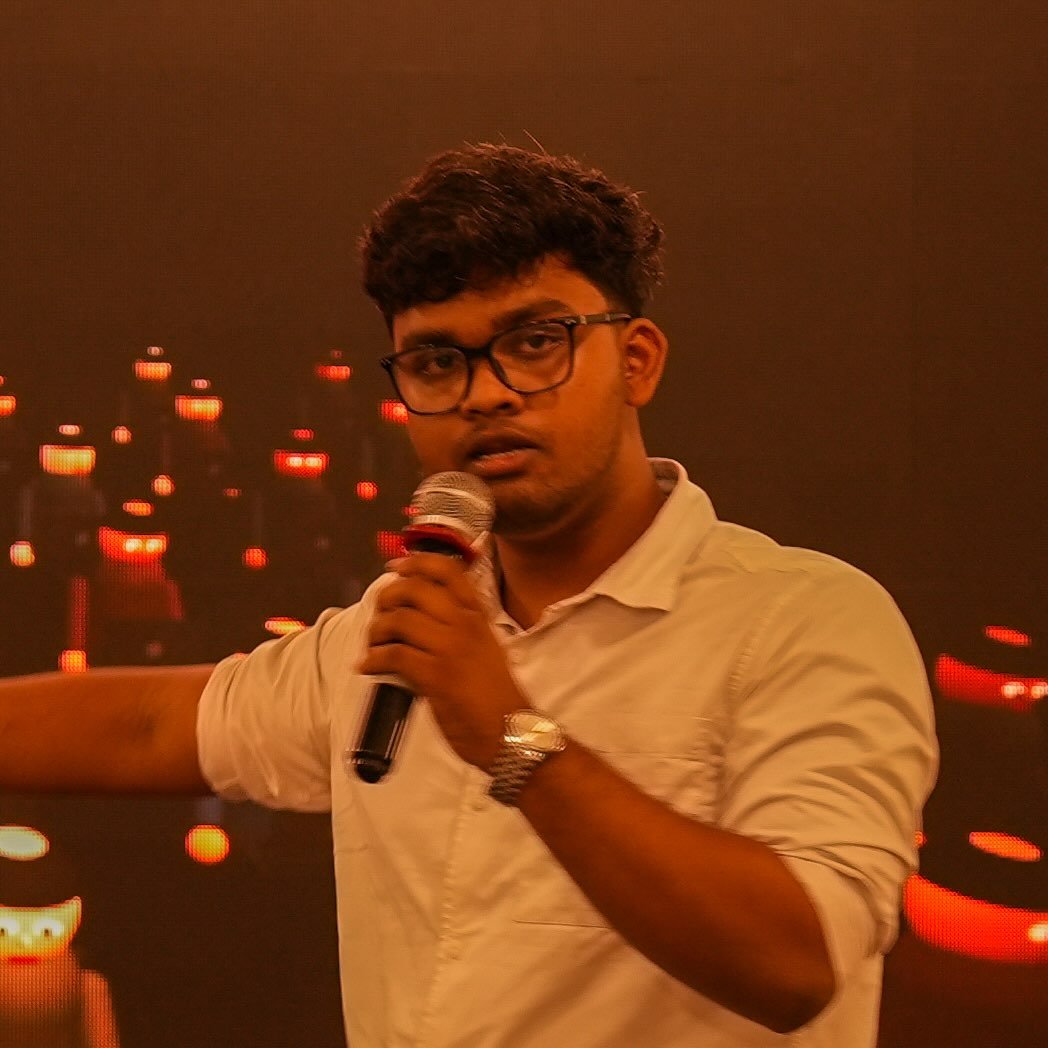
I'm not a motion designer.
I'm a tech guy who has been building with AI for the past 5 years. I don't keyframe for hours. I use AI to make motion design easy, and I can teach you exactly how.
No secrets about the stack
Here's what we actually use.
No mystery tool, no "my secret AI". This is made possible with ChatGPT + Gemini + Claude, all working together. Claude sits in the middle and runs the show.
Gemini
Watches the reference video and breaks down what happens, scene by scene.
Claude Skills
30+ skills I designed: cut, beat plan, style, camera, captions, QA.
ChatGPT
Generates the style frames and props code can't draw, plus the sound bed.
Claude Code
Animates every scene in code, previews it and renders the final video.
ChatGPT vision
Compares our frames against the reference and lists what to fix.
The flow
Raw clip in. Reel out.
Every video goes through the same eight stops. Each stop is a Claude skill I designed. You'll see the whole thing on the call.
- Footageraw clip or a referenceYOU
- Planbeats, hook, timingCLAUDE
- Assetsprops, textures, iconsCHATGPT
- Sceneseach graphic in codeCLAUDE
- Camerapush-ins, whips, reframesCLAUDE
- Captionsword by word, on beatCLAUDE
- Soundbed and hitsCHATGPT
- Renderready to postYOU
What I'll teach you
This workflow. That's it.
Raw clip to finished editHow a talking-head video goes in and a motion-designed video comes out.
Setting up the stackGetting Claude, ChatGPT and Gemini talking to each other on your machine.
Using the skillsHow to drive the skills so the output looks designed, not generated.
Not a general After Effects course, not "intro to AI", not a pile of prompts. Just the workflow I use, taught so you can run it yourself.
The how
The details? Let's talk.
The tools are public. How they're wired together is the part I teach. On the call we go through what you make, what you want to make, and whether this workflow gets you there.
Book the callMade with it
How it was made.
Five videos made with this workflow. Tap one to see how it was made.
@pradyutt.das
New edits and behind-the-scenes every week. Comment "MOTION" on any reel and I'll reply.
Questions people ask
Before you book.
Wait, you're not a trained motion designer?
Nope. I'm a techy who has been using AI every day for 5 years. The skills and tools do what years of After Effects used to. That's the point: if I can do it, you can.
Do I need to know After Effects?
No. You don't need to be a designer or a coder either. The workflow does the heavy animation work; I'll show you how to drive it.
What do I need to pay for?
A Claude Max 20x plan does most of the work. ChatGPT and Gemini fill in. We'll go through what you actually need on the call.
Will you share your prompts?
I teach the workflow: how the skills are built, set up and used. The call is where we decide if that's a fit.
Is it one to one?
Yes. Start with a free call, bring a video you'd like to make.
Want to learn it? Book a call.
Pick a slot that works for you. Bring a video you'd like to make.
Schedule on Calendly